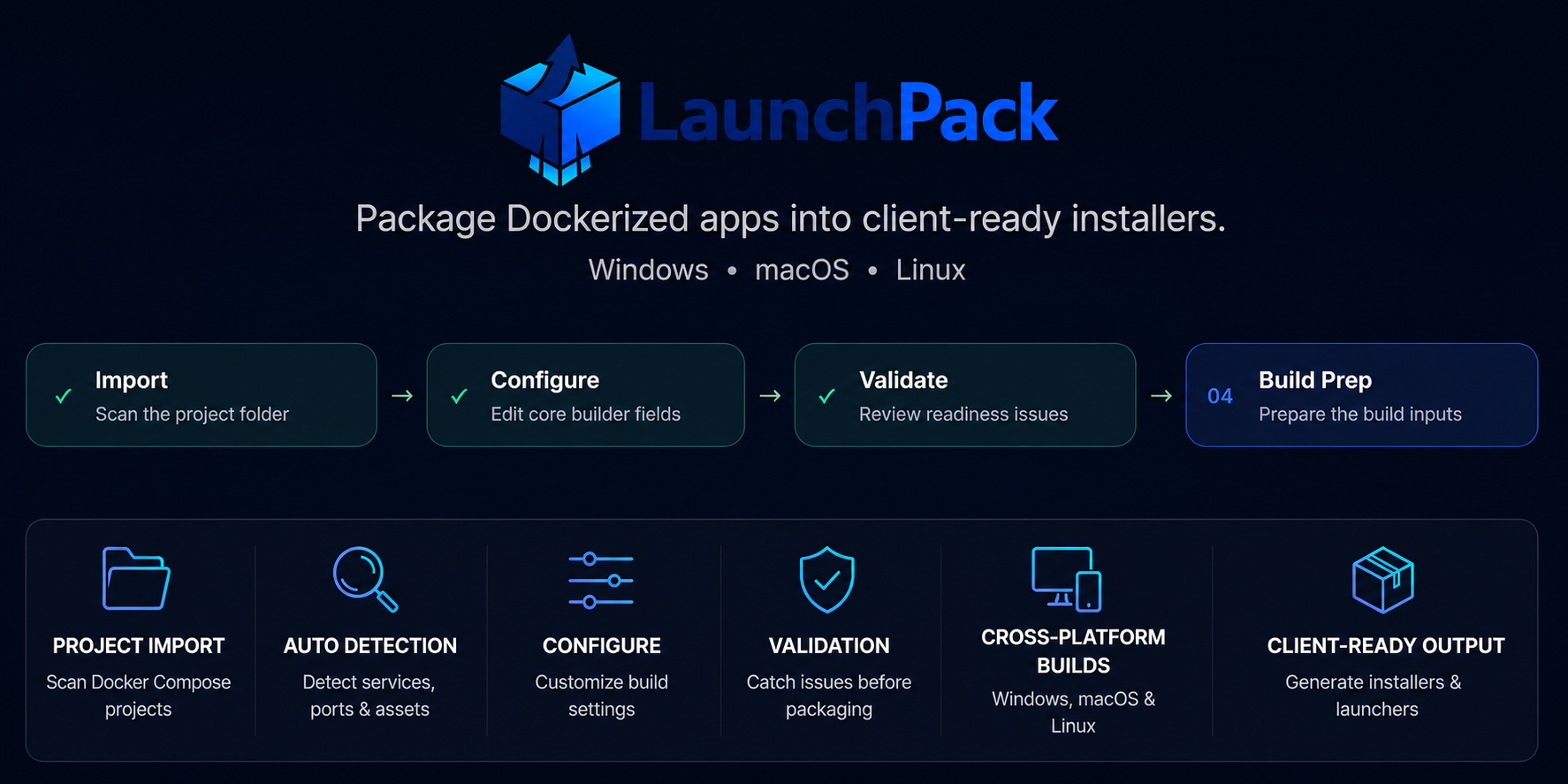
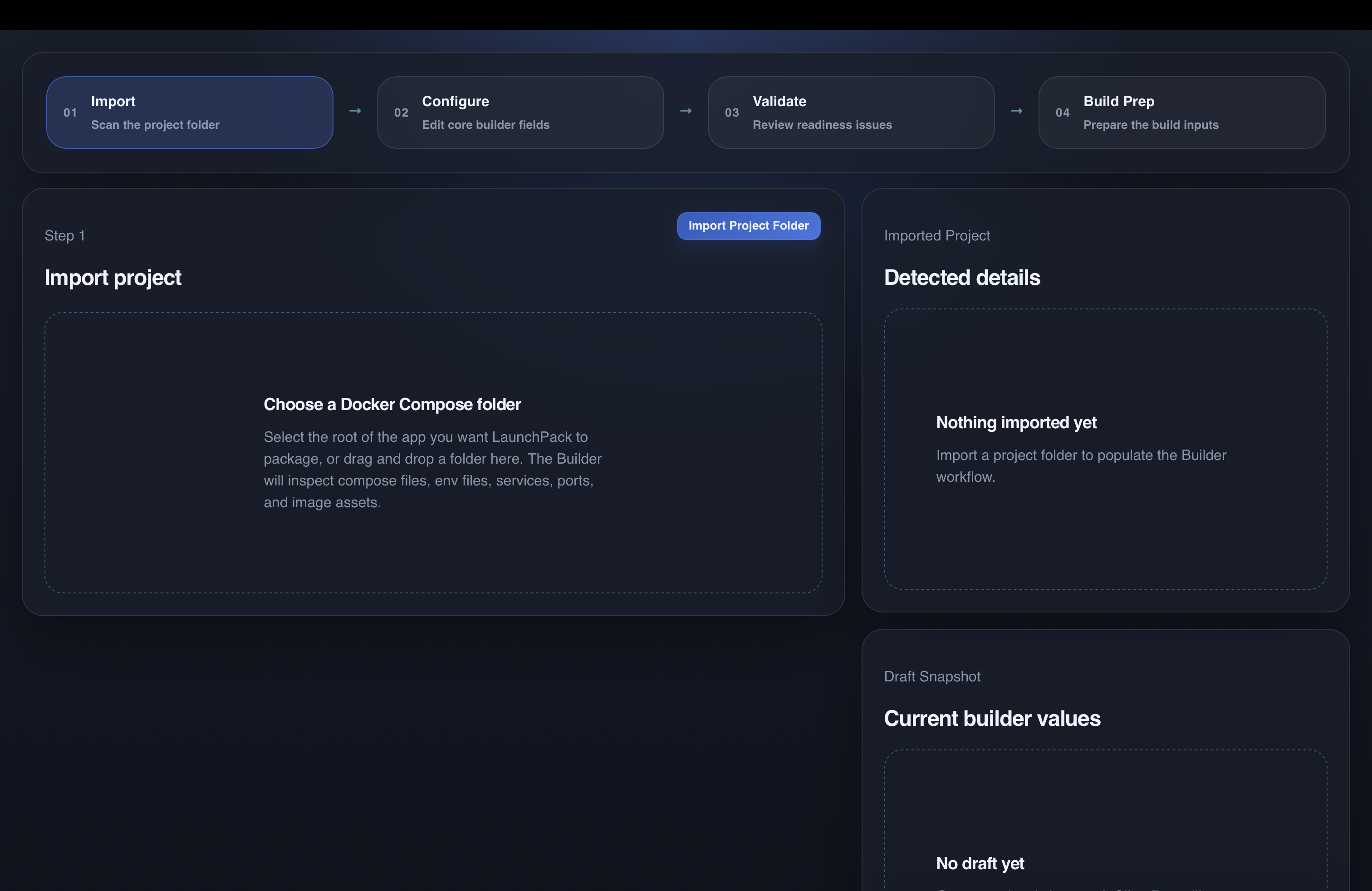
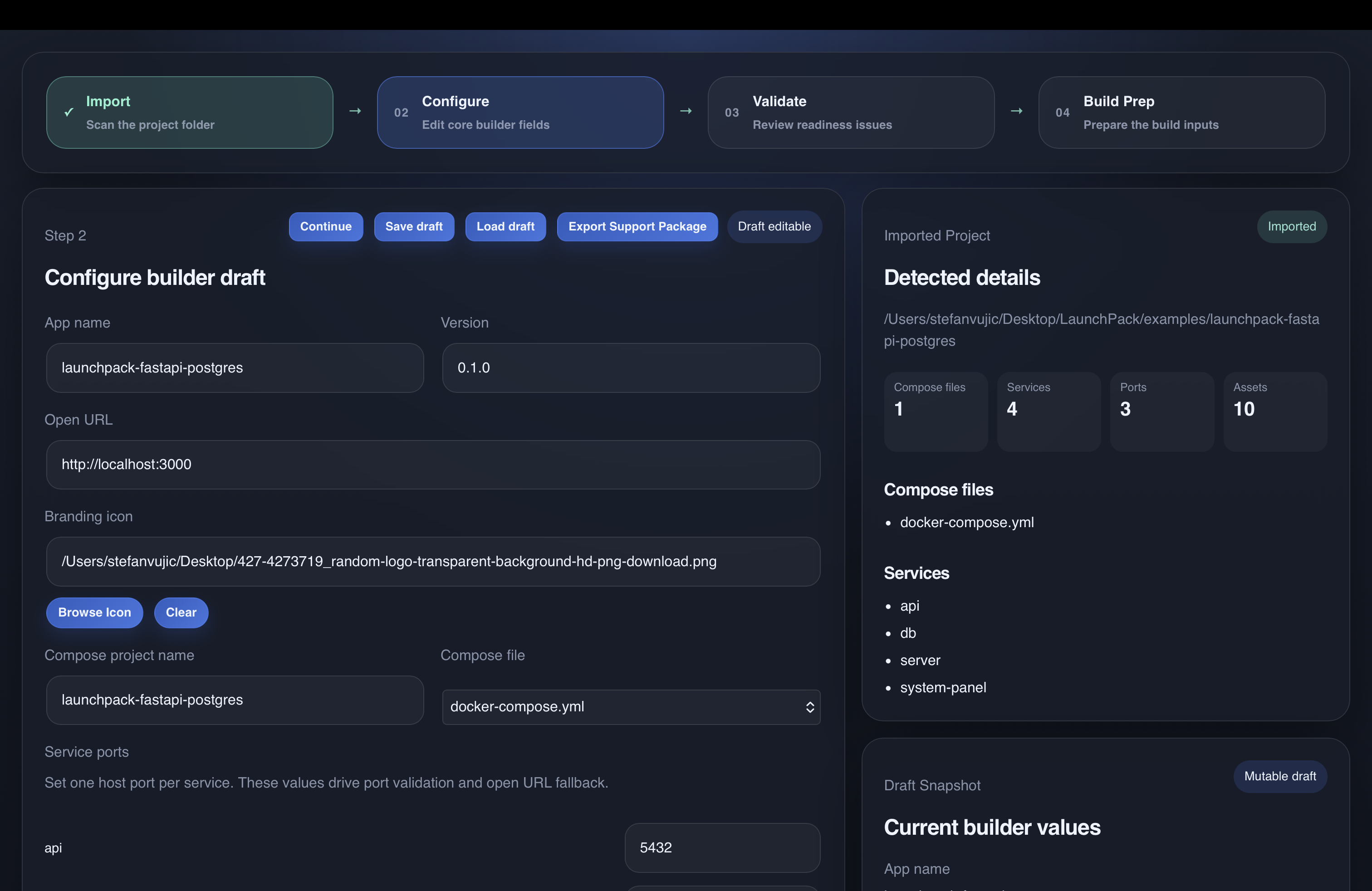
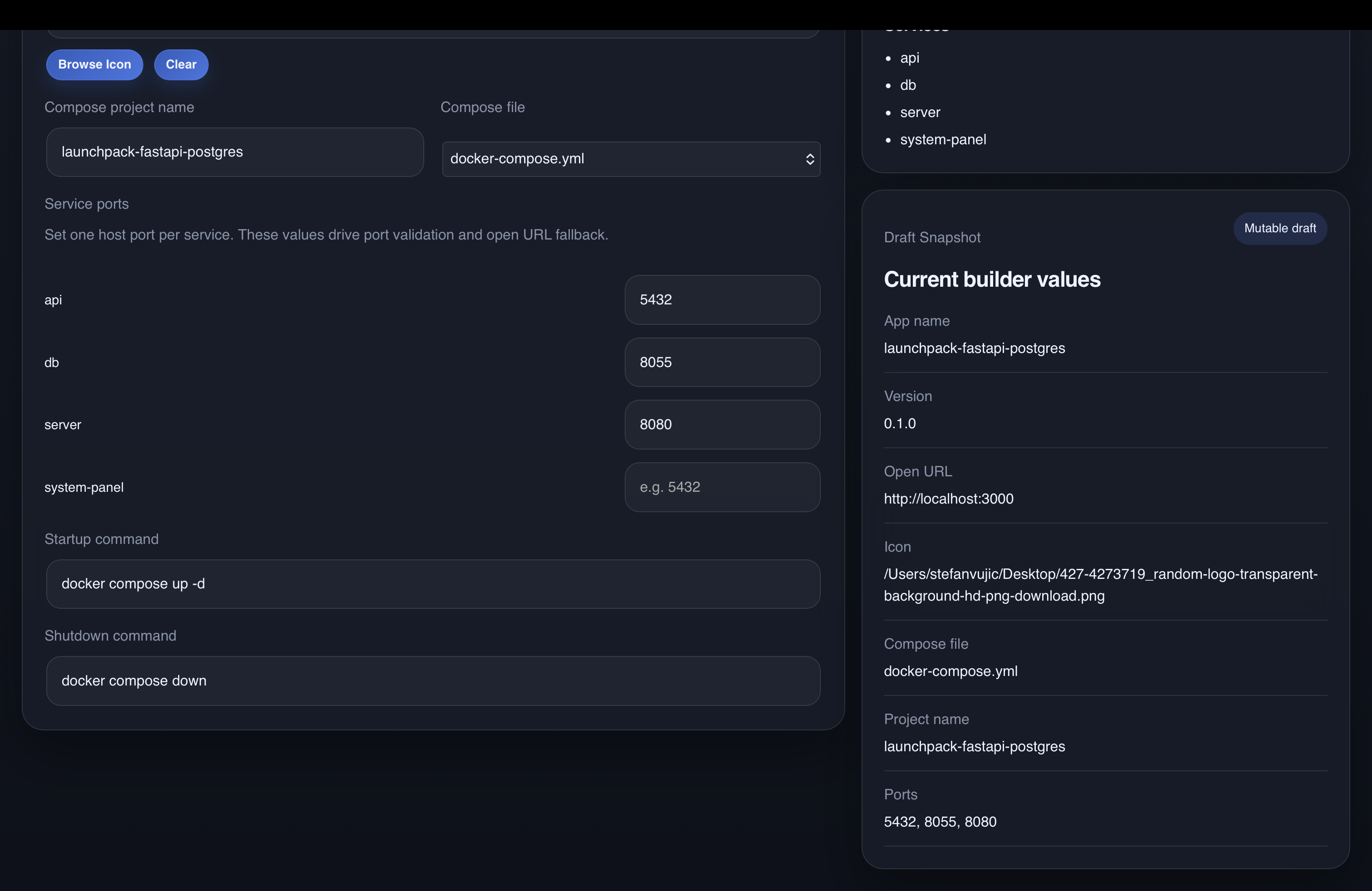
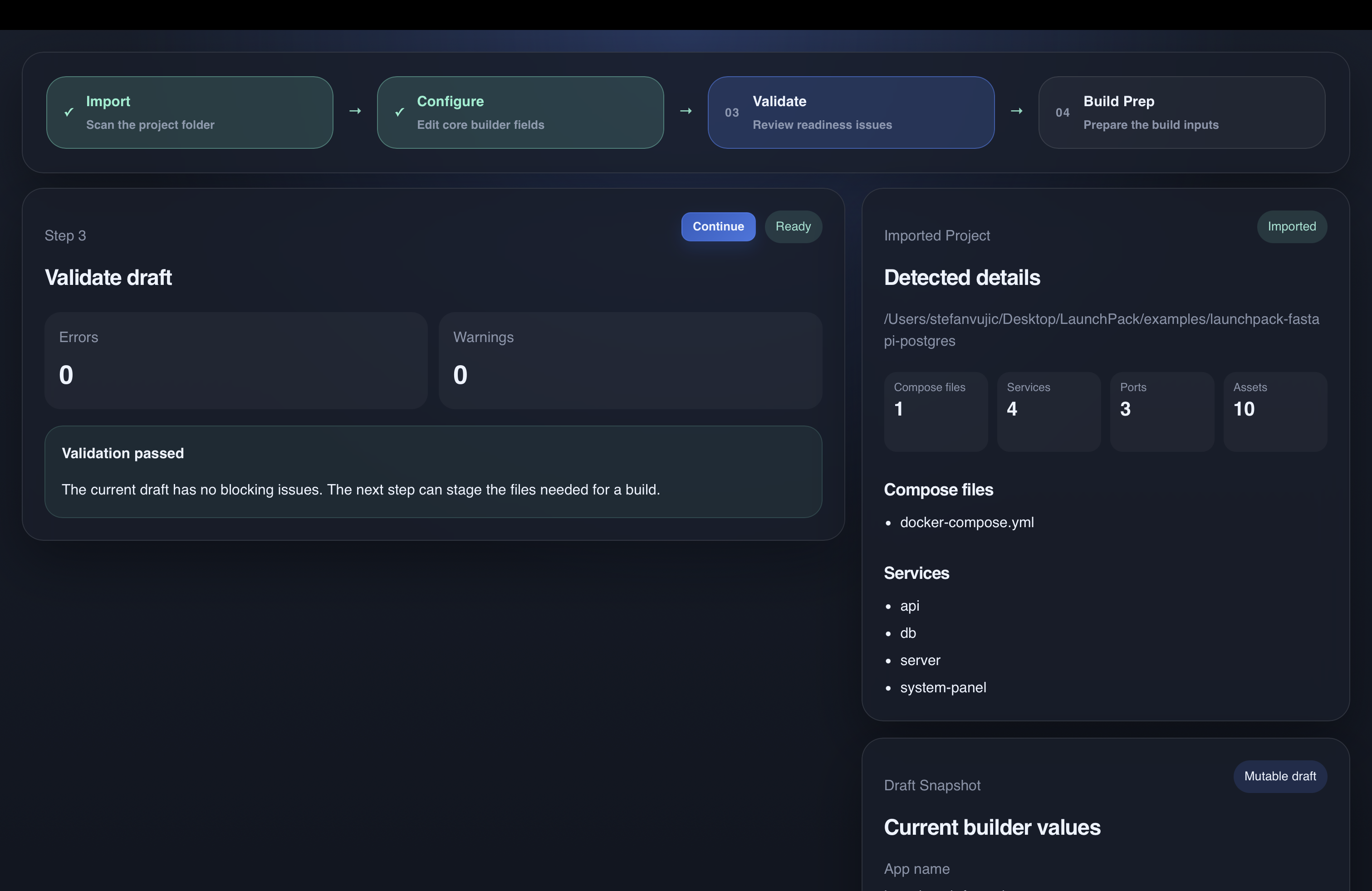
Hiding Docker from the client. The whole point was that the person installing the software should not need to understand Docker. LaunchPack had to check whether Docker was available, install it when necessary, start it, bring up the application, wait for the required services, and launch the software without asking the client to use a terminal or follow a technical setup guide.
Dealing with machines I don't control. A client machine can have different permissions, ports already in use, missing dependencies, security restrictions, unusual Docker states, or configuration left behind by other software. The installer had to catch as many of those problems as possible before they turned into a failed installation halfway through.
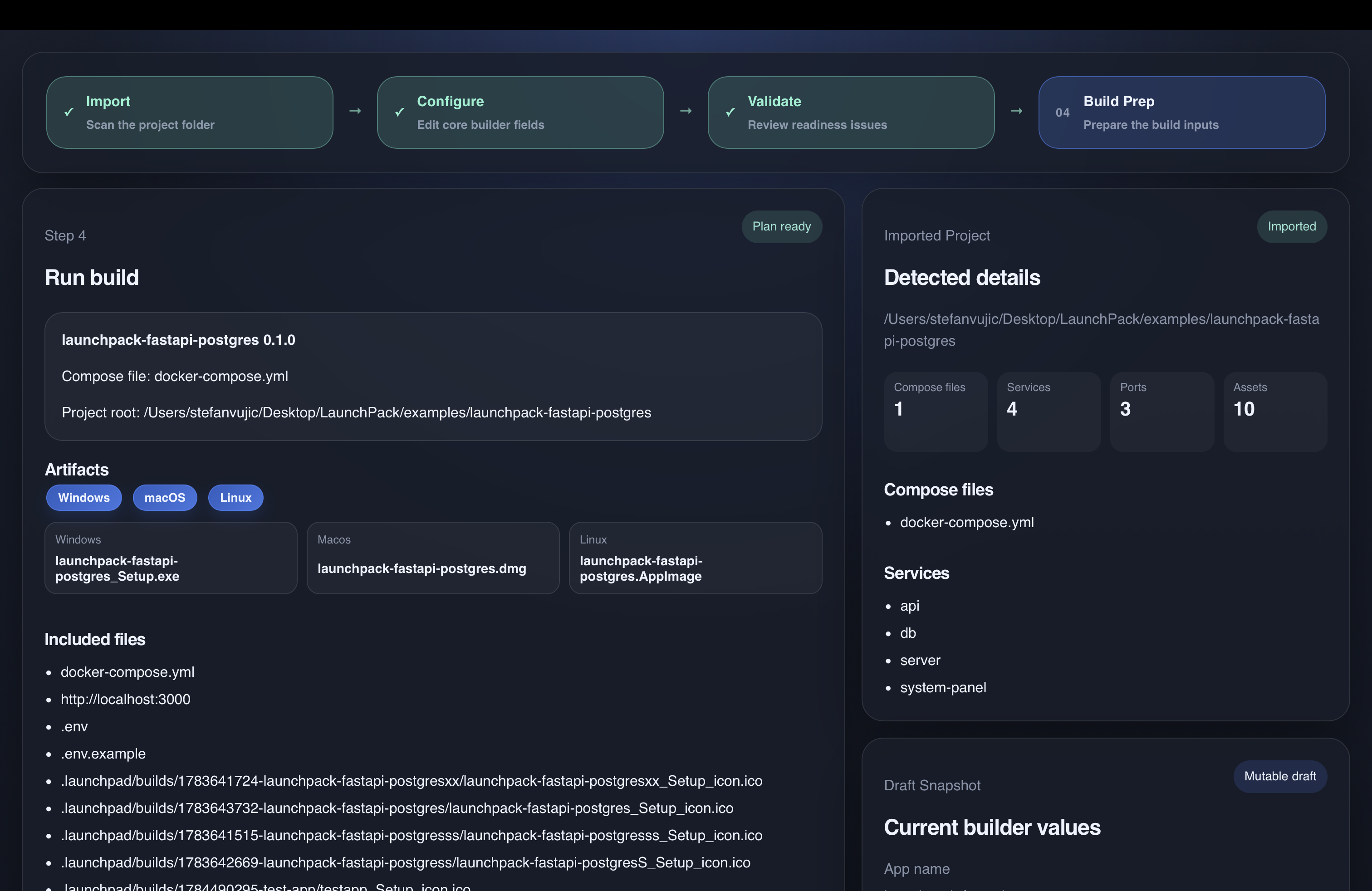
Making one process work across Windows, macOS, and Linux. Each operating system handles installation, paths, permissions, processes, application packaging, and Docker differently. LaunchPack needed one workflow for the developer while producing installers and launch behavior that actually made sense on each target platform.
Making failures possible to diagnose remotely. When software fails on a machine you own, you can inspect it directly. With a client installation, you often cannot. Logging, validation results, and support reports had to provide enough information to understand what went wrong without turning every issue into a long remote troubleshooting session.